Maya BC FilmsEditing Masterclass Join the waitlist

Live · Round 2 · 250+ signed up for the first one

The Editing Masterclass is back.

2 hours. My entire editing process in Premiere Pro. Everything I wish I knew when I started.

Date
Sun, Dec 6
Time
3:00 PM EST
Where
Live online
Recording
Lifetime access
$37$47waitlist price, first 4 days of registration only

Free to join. No payment today. You'll get the link before anyone else.

You're on the list.

When registration opens, you'll get the link first, and your $37 price is held for the first four days. See you December 6th.

Want a text when registration opens?

Done. You'll get a text when it opens.

Class starts in

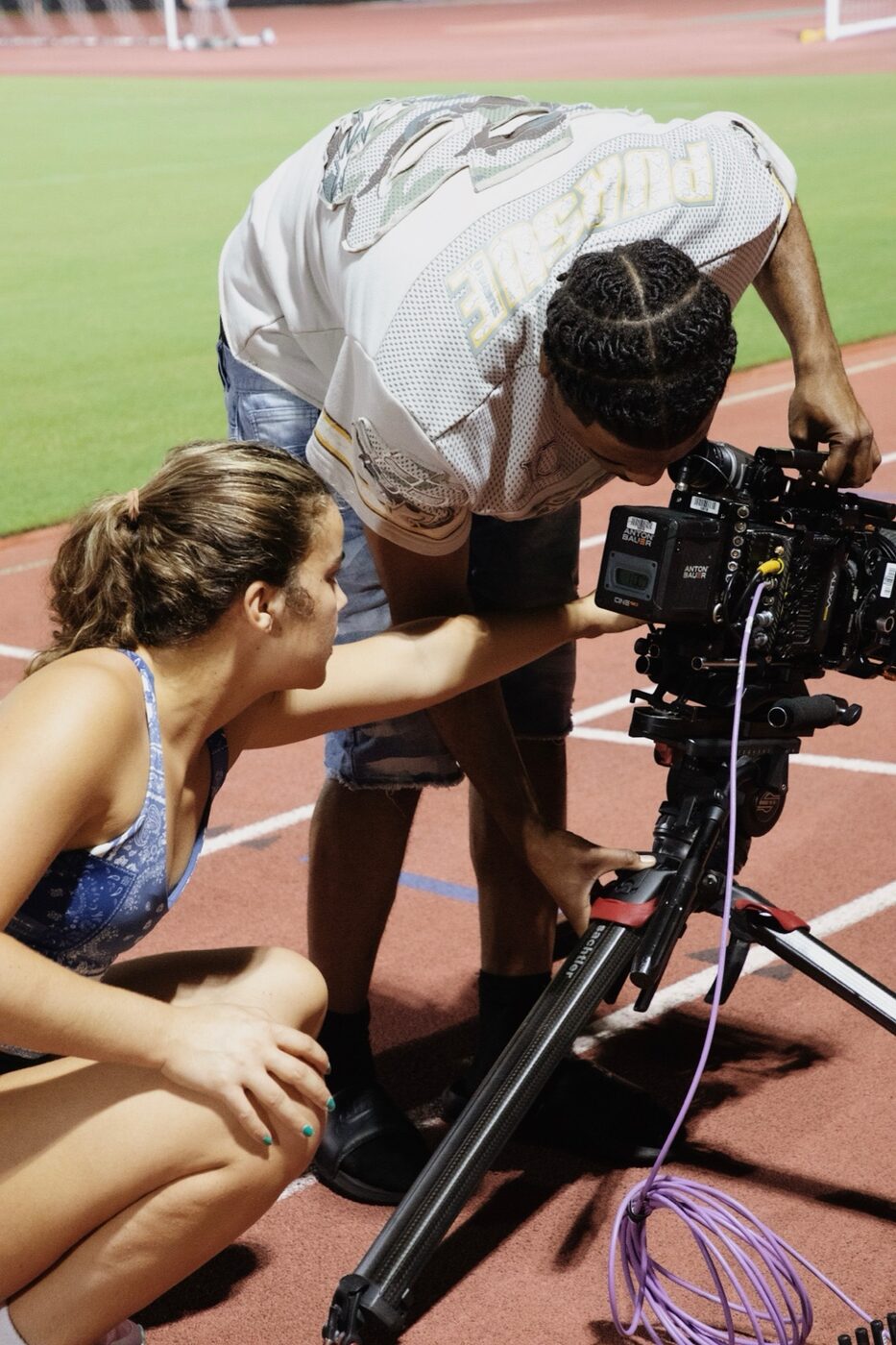
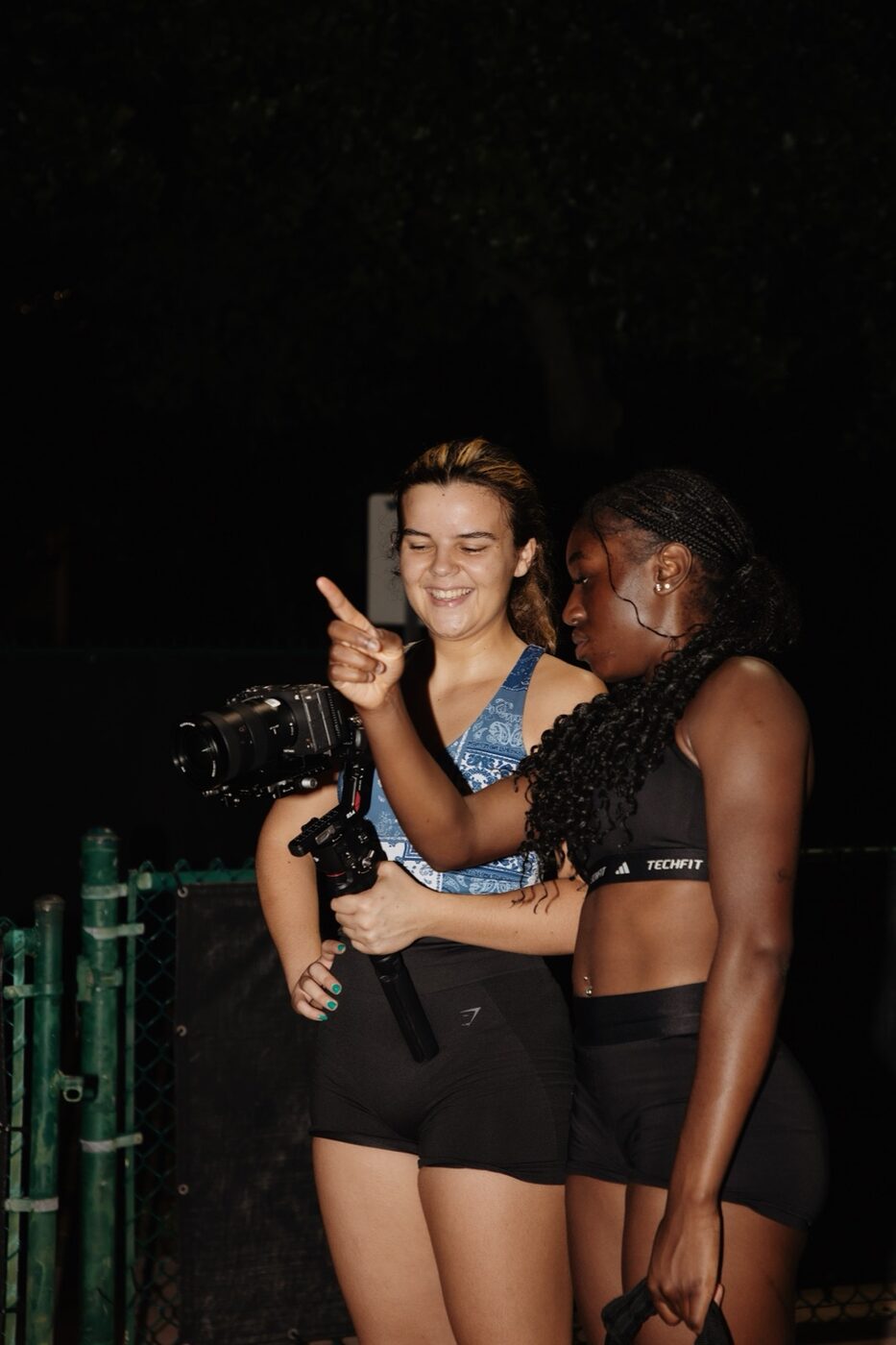
Maya filming an athlete on a cinema rig at a track
250+editors signed up for the first masterclass. This is round two.
250+signed up for the first masterclass
Footageyou get the exact clips I edit in the demo
Live Q&Aask me anything at the end
Foreverlifetime access to the recording

From the last class

What people said last time.

Real messages from the first masterclass. Unedited screenshots, every one.

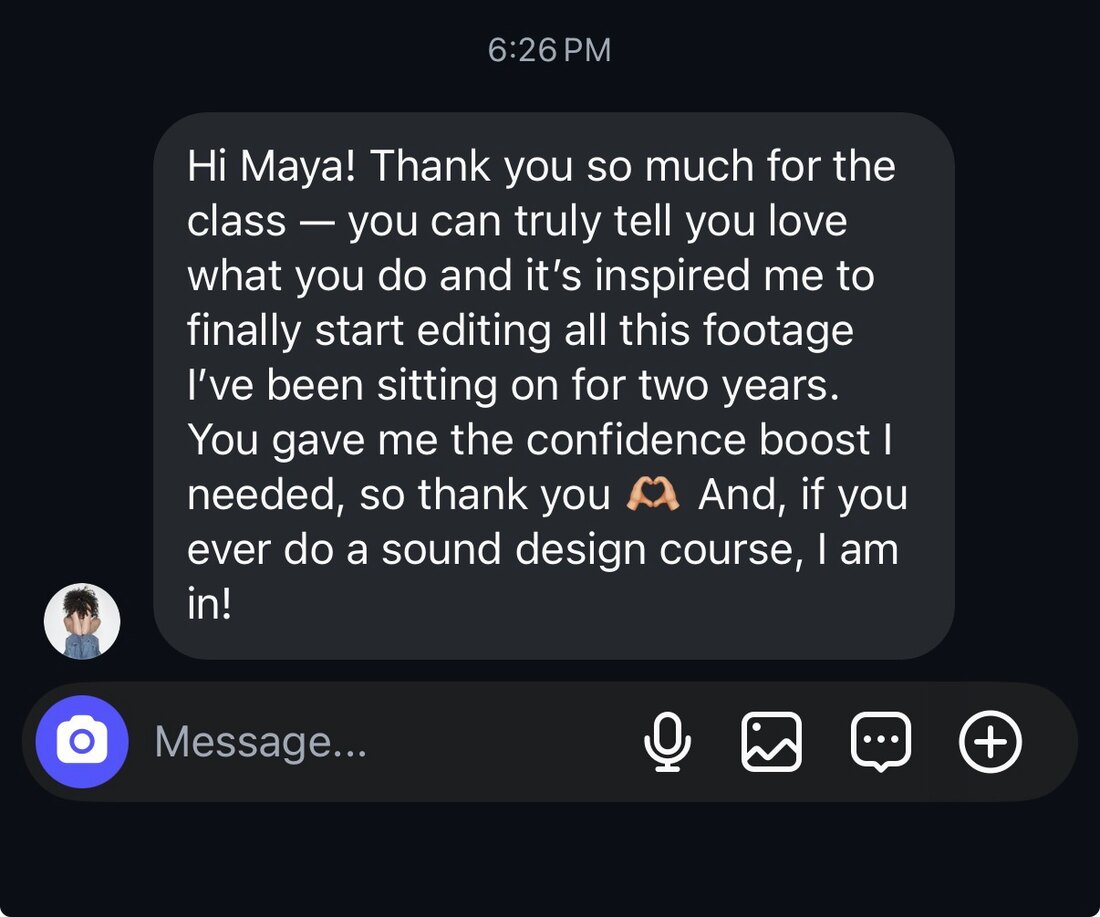
Message: Hi Maya! Thank you so much for the class, you can truly tell you love what you do and it's inspired me to finally start editing all this footage I've been sitting on for two years. You gave me the confidence boost I needed. And if you ever do a sound design course, I am in!
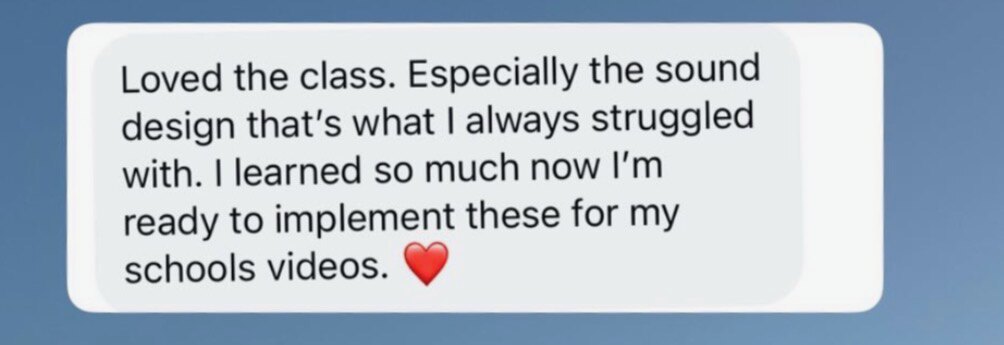
Message: Loved the class. Especially the sound design, that's what I always struggled with. I learned so much, now I'm ready to implement these for my school's videos.
Comment: It was so fun and helpful. Thanks again, and you did great
Comment: Such a great time, very informative, very immersing, very welcoming!! Thank you so much again!!
Comment: It was soooo nice, thank you for an amazing class
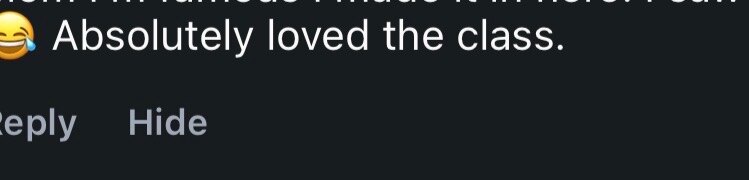
Comment: Absolutely loved the class.

When registration opened

The DMs last time.

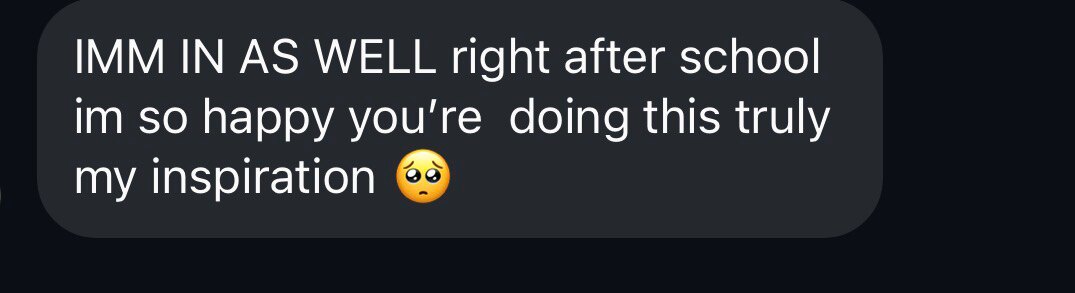
Message: IMM IN AS WELL right after school, im so happy you're doing this, truly my inspiration
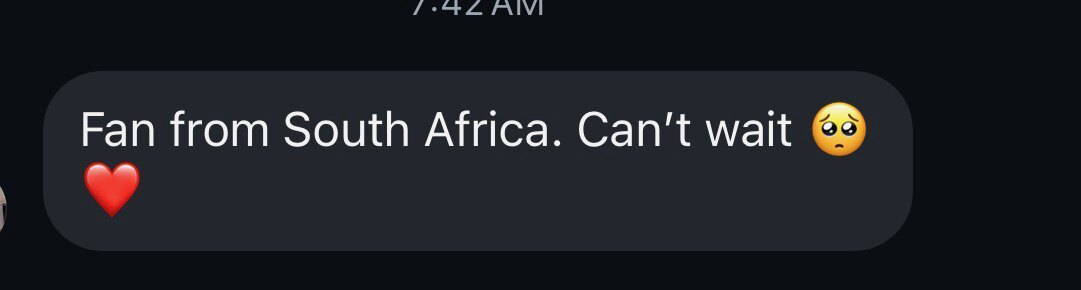
Message: Fan from South Africa. Can't wait
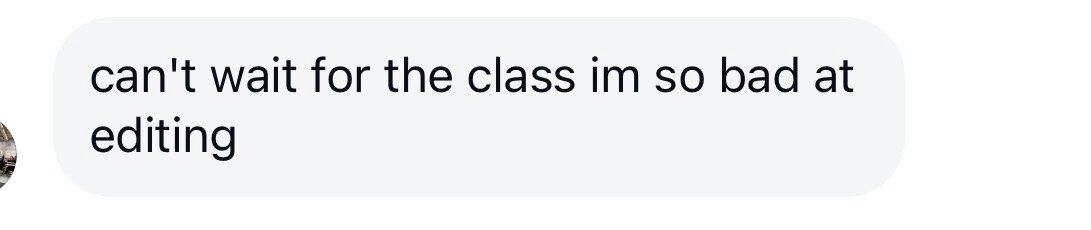
Message: can't wait for the class im so bad at editing
Message: Shhheessshhh just signed up
Message: So excited! Just signed up!
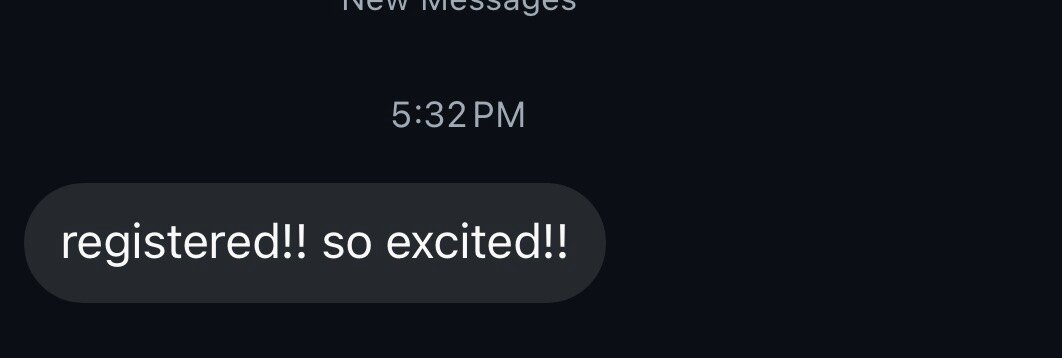
Message: registered!! so excited!!
Message: Can't wait
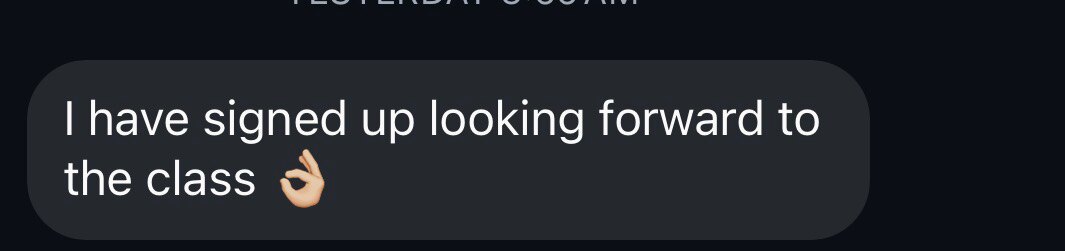
Message: I have signed up looking forward to the class
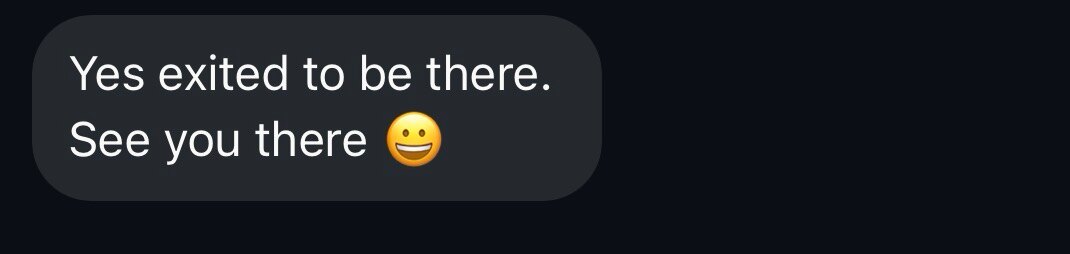
Message: Yes exited to be there. See you there
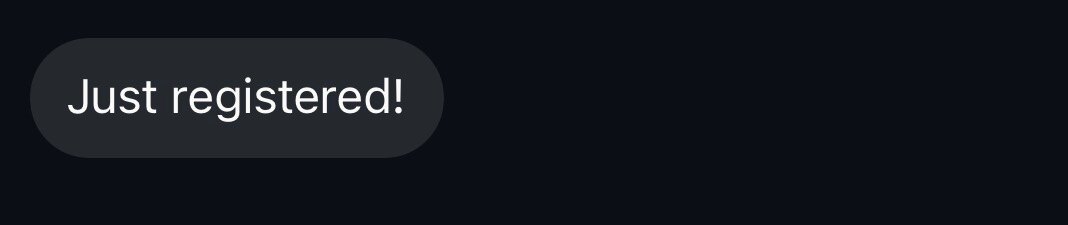
Message: Just registered!
Message: I have signed up looking forward to the class
Message: Thanks see you
Get the $37 waitlist price

250+ people signed up last time. This one opens to the waitlist first.

What you'll learn

Everything you need to take your editing to the next level.

This isn't about learning a bunch of random effects. It's the entire creative process behind an edit, from the first clip to the final export.

Module 01

My complete editing workflow

How I approach an edit from start to finish.

  • Organizing footage and setting up projects
  • Building a timeline from scratch
  • Choosing the right clips
  • Creating a rough cut
  • Refining and polishing an edit
  • My favorite Premiere Pro shortcuts
Module 02

Storytelling, pacing & creative decisions

How to make your videos feel intentional.

  • Building a story through editing
  • Understanding pacing and rhythm
  • Creating emotional impact
  • Editing to music
  • Knowing when to cut
  • Decisions that elevate your footage
Module 03

Cinematic transitions & editing techniques

The techniques I use for engaging, seamless edits.

  • Speed ramping and time remapping
  • Seamless transitions
  • Creative masking
  • Using movement to connect clips
  • Making transitions feel natural
  • Details that make your edits stand out
Module 04

Sound design that brings your videos to life

How I approach audio to make videos feel immersive and cinematic.

  • Finding and choosing sound effects
  • Layering audio
  • Creating impact through sound
  • Sound transitions and audio bridges
  • Editing to music
  • Building atmosphere and emotion
Module 05

Bringing everything together

How the individual pieces become a finished video.

  • Refining cuts and transitions
  • Making an edit feel cohesive
  • Adding finishing touches
  • Reviewing your work
  • Knowing when an edit is finished
  • Exporting your final video
Module 06

How I've landed major editing clients

Building my personal brand and landing work with names like Adobe and Arnold Sports.

  • How I've landed clients and brand opportunities
  • Building a portfolio that gets noticed
  • Using social media to grow your career
  • How to attract potential clients
  • Building relationships with brands
  • Turning your creative skills into a career

Knowing how to edit is one thing. Learning how to get your work seen is another.

The live experience

Watch me edit live.

This isn't another prerecorded tutorial. You'll watch me edit in Premiere Pro as I walk through my process, explain my creative decisions, and bring everything together.

You'll learn not just what I'm doing, but why I'm doing it. And you get the same footage I'm editing, so you can follow along on your own timeline.

Real editing. Real techniques. Real workflow.

Live Q&A

Have questions? Let's talk.

We finish with a live Q&A. I want this class to feel like we're sitting down and editing together. Ask me anything about:

Premiere ProEditing techniquesSound designStorytellingWorking with clientsBuilding a portfolioGrowing on social mediaMy filmmaking journey

Lifetime access

Learn live. Rewatch anytime.

Can't make it live? No problem. Everyone who buys gets lifetime access to the recording, plus the demo footage to practice with.

Go back through the lessons and revisit the class whenever you need a refresher.

One purchase. Lifetime access.

Maya with an athlete after a night shoot

Who it's for

This masterclass is for you if...

  • You're a beginner wanting to improve your editing skills
  • You know Premiere Pro but want to take your edits further
  • You want to create more cinematic videos
  • You struggle with storytelling, pacing, or sound design
  • You want to understand how professional-looking edits come together
  • You're interested in turning editing into a career
  • You want to learn how to attract clients and opportunities
  • You're a filmmaker, editor, or creator looking to improve your work

You don't need to be an expert. Just come ready to learn.

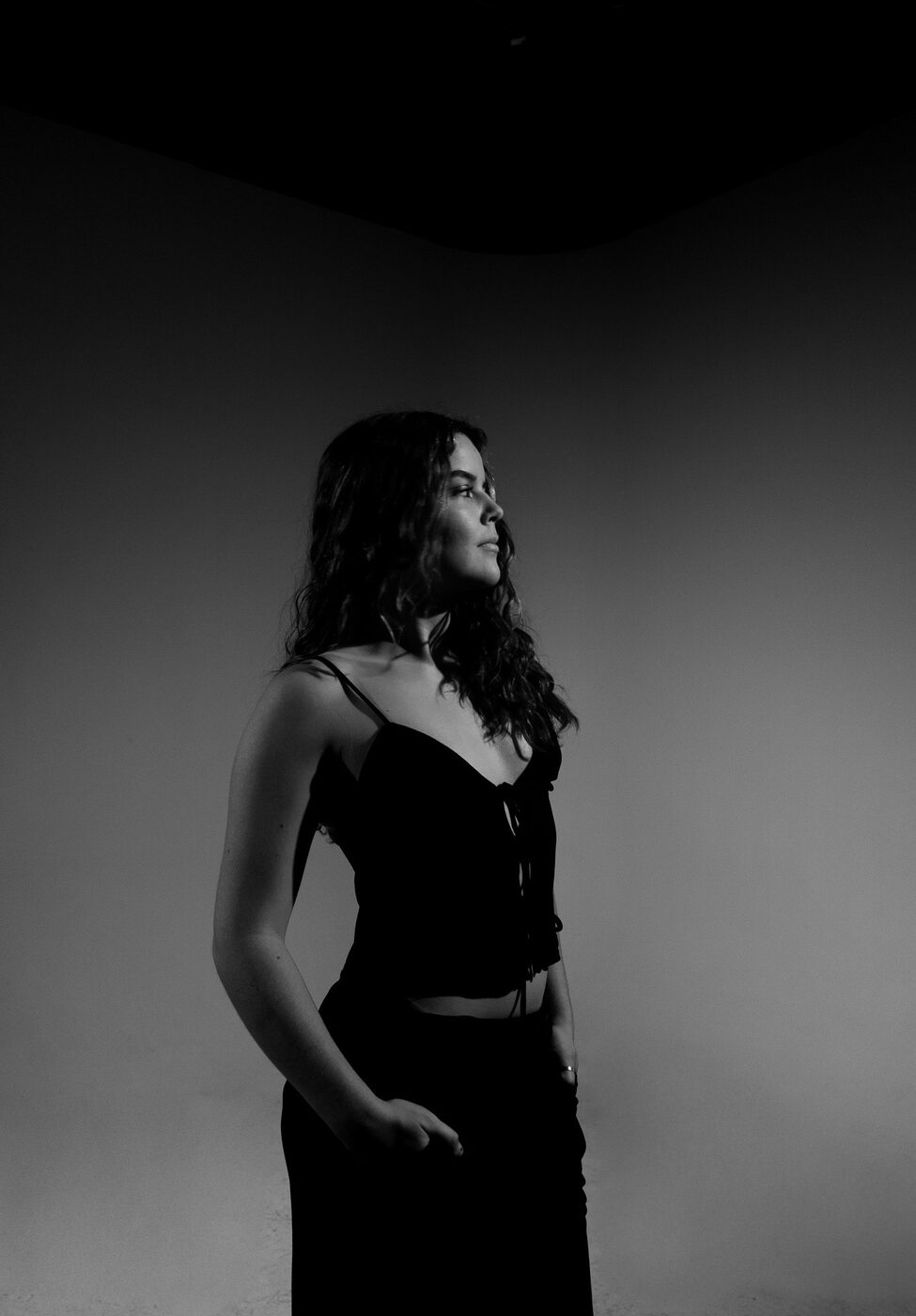
Portrait of Maya

About

Hey, I'm Maya!

I'm the filmmaker, editor, and content creator behind Maya BC Films.

What started as a passion for creating videos turned into a career working on creative projects, collaborating with major brands, and building my own production company. I've worked with names like Adobe, Arnold Sports, and more, while growing an online community of filmmakers and creatives.

When I first started editing, I spent countless hours watching tutorials, experimenting, making mistakes, and trying to figure everything out on my own. There are so many things I wish someone had explained to me earlier.

That's why I'm bringing this class back. Whether you're just starting or have been editing for years, I hope it helps you feel more confident in your work.

AdobeArnold Sports

Pricing

Get early access. Save $10.

Waitlist members unlock the $37 launch price for the first four days after registration opens. After that, it's $47.

Early access

$37
First 4 days after registration opens

Regular price

$47
After early access ends

Your purchase includes

  • Two-hour live editing masterclass
  • Complete Premiere Pro editing walkthrough
  • The demo footage, so you can edit along
  • Cinematic editing and sound design techniques
  • Lessons on landing clients and brand opportunities
  • Live Q&A with Maya
  • Lifetime access to the class recording

Joining is free. You'll get an email when registration opens.

You're on the list.

Your $37 price is held for the first four days after registration opens.

Want a text when registration opens?

Done. You'll get a text when it opens.

Class details

Mark your calendar.

Date
Sunday, Dec 6, 2026
Time
3:00 PM Eastern
Duration
2 hours, with live Q&A
Location
Online
Software
Adobe Premiere Pro
Recording
Lifetime access

FAQ

Questions.

Do I need editing experience?

No! This masterclass is for beginners and for editors who already know the basics but want to improve their skills.

What software will you be using?

I'll be teaching and demonstrating my editing process in Adobe Premiere Pro.

Do I get the footage you edit?

Yes. Everyone who buys gets the footage I use in the demo, so you can follow along and practice the same edit.

Will I be able to ask questions?

Yes! There's a live Q&A where you can ask about editing, filmmaking, working with clients, and more.

What if I can't attend live?

Everyone who buys the class gets lifetime access to the recording.

How much does the class cost?

Waitlist members get the $37 launch price for the first four days after registration opens. After that, it's $47.

Does joining the waitlist cost anything?

No. Joining the waitlist is completely free.

How will I know when registration opens?

You'll get an email with the registration link as soon as the masterclass is available to buy, before anyone else.

December 6 · Two hours · Everything I've learned

Your next level of editing starts here.

Editing changed my life. It gave me an outlet to express myself, tell stories, and turn something I love into a career. Now I want to share what I've learned with you.

No payment required today. You'll be notified when registration opens.

You're on the list.

See you December 6th.

Want a text when registration opens?

Done. You'll get a text when it opens.

See you December 6th! Maya

$37 waitlist price
Live Dec 6 · Opens to the list first
Join free